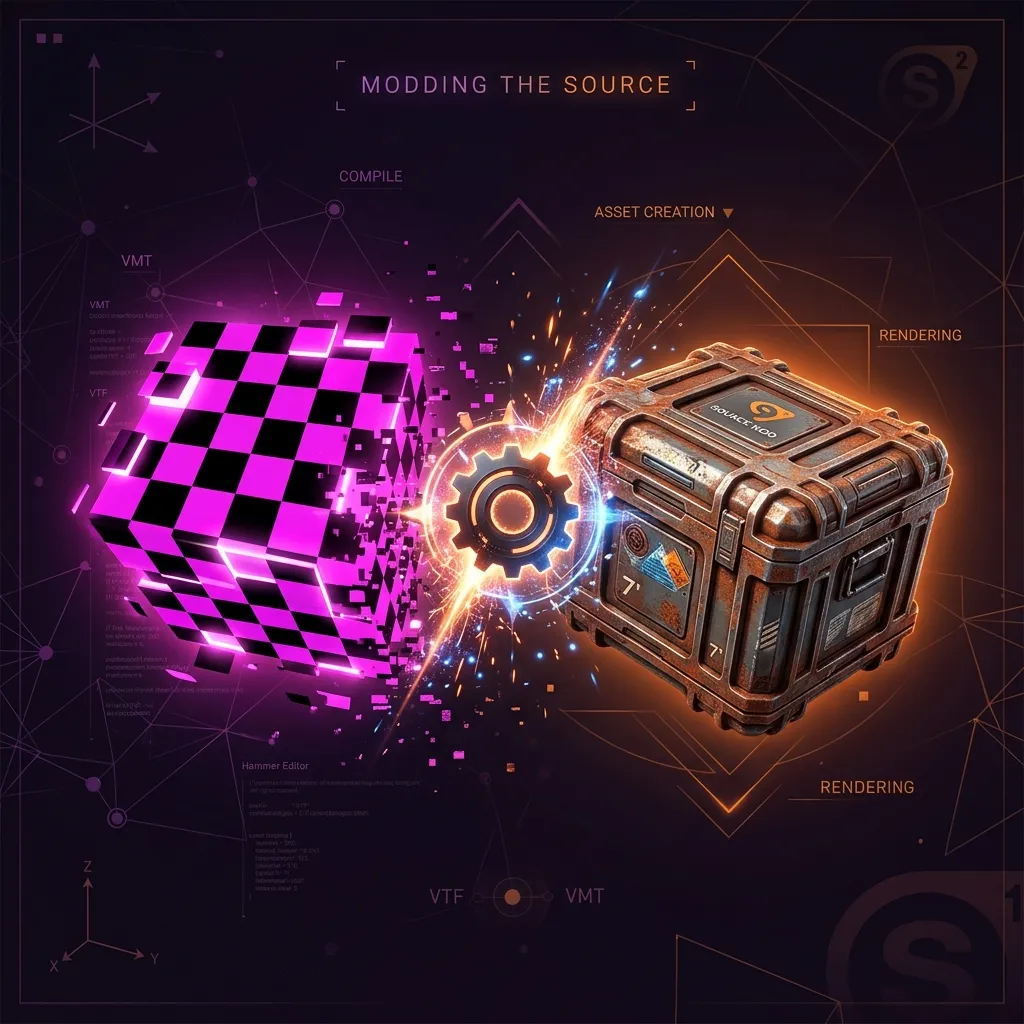
In August 2026, game developers, 3D artists, and Source Engine modders are increasingly capturing real-world surfaces using high-resolution iPhone camera arrays. However, modern iOS devices save raw photographic captures in Apple's proprietary HEIC container, while Valve's Source and Counter-Strike engines require Valve Texture Format (`.vtf`) binaries.
Converting high-resolution photogrammetry source files from mobile devices into game-engine compatible assets has traditionally required installing bulky legacy desktop utilities or uploading sensitive pre-release project assets to unverified cloud conversion websites.
To streamline your game asset pipeline without compromising intellectual property or project privacy, our free browser utility VTF Converter processes texture encoding 100% client-side—ensuring your texture captures and game assets never leave your local device memory.
The August 2026 Shift in Game Texture Capture
As modern game modding and indie game development evolve in 2026, real-world texture scanning is essential for PBR (Physically Based Rendering) workflows. Level designers frequently capture surface maps on location using mobile devices. While tools like HEIC Viewer and iPhone Photo Fixer enable instant previewing and conversion of camera files, integrating these textures into Valve's Source Engine environment demands native VTF compilation.
Valve Texture Format (VTF) utilizes specialized MIP-mapping, DXT compression, and binary header metadata optimized for GPU memory access. Converting raw mobile photos into VTF must preserve color space integrity, power-of-two dimensions, and alpha channel transparency without introducing compression artifacts.
The Risk of Third-Party Cloud Converters
Relying on cloud-based texture conversion services poses significant challenges for game creators and studio teams:
- Privacy & IP Leakage: Custom level textures, unannounced game art, and proprietary photogrammetry scans are sent to remote third-party servers.
- Bandwidth Bottlenecks: Uploading multi-megapixel textures consumes substantial network bandwidth and introduces server-side queue delays.
- Software Bloat: Desktop legacy utilities often require outdated runtime libraries or complex command-line setup.
Key Advantages of Our Client-Side VTF Converter
- 🔒 100% Client-Side Privacy: Texture parsing and VTF binary generation occur entirely inside your browser's WebAssembly sandbox. Zero server uploads, zero data exfiltration, and total confidentiality.
- ⚡ Instant Browser Processing: Convert textures instantly without queue times or file size upload restrictions.
- 🚀 High Quality Output: Automatically handles power-of-two resampling, DXT compression modes, and header formatting for Source Engine compatibility.
- 🌐 Cross-Platform & Offline Ready: Works seamlessly across Chrome, Firefox, Edge, and Safari on Windows, macOS, and Linux without software installation.
Step-by-Step Texture Conversion Workflow
- Open the VTF Converter in your browser.
- Drag and drop your image file (PNG, JPG, or converted HEIC photo) into the texture input area.
- Configure desired VTF output settings, including MIP-map generation and texture flags.
- Click "Convert to VTF" to instantly download your compiled `.vtf` file for placement into your `materials/` directory.
Pro Tips for Source Engine Texture Optimization
Always ensure your input textures maintain power-of-two resolutions (e.g., 512x512, 1024x1024, or 2048x2048) to prevent engine scaling distortion. If working directly with raw iPhone HEIC captures, utilize our iPhone Photo Fixer tool to perform batch pre-processing prior to VTF packaging.
Conclusion & Get Started
Accelerate your game development workflow in August 2026 by converting mobile photo textures into native Valve VTF files directly inside your browser with complete privacy.
Frequently Asked Questions
Why do Source engine mods require VTF format instead of PNG or HEIC?
Valve's Source Engine utilizes VTF binary structures for direct GPU texture streaming, MIP-mapping, and specialized material shaders that standard image formats like PNG or HEIC cannot support directly.
Are my game assets uploaded to any server during conversion?
No. All file processing and binary encoding occur 100% client-side within your web browser memory. Your files are never uploaded or stored remotely.
Can I convert HEIC photos taken on an iPhone directly to VTF?
Yes, you can preview or convert HEIC photos to standard formats using our built-in image tools and immediately encode them into VTF binaries for game modding.
What games support VTF textures converted with this tool?
Converted VTF textures are fully compatible with Source Engine titles including Counter-Strike 2 (legacy materials), CS:GO, Team Fortress 2, Left 4 Dead 2, Portal 2, and Garry's Mod.
Is there any file size limit or subscription cost for converting textures?
No. The tool is completely free, unlimited, and runs locally without software downloads or registration requirements.