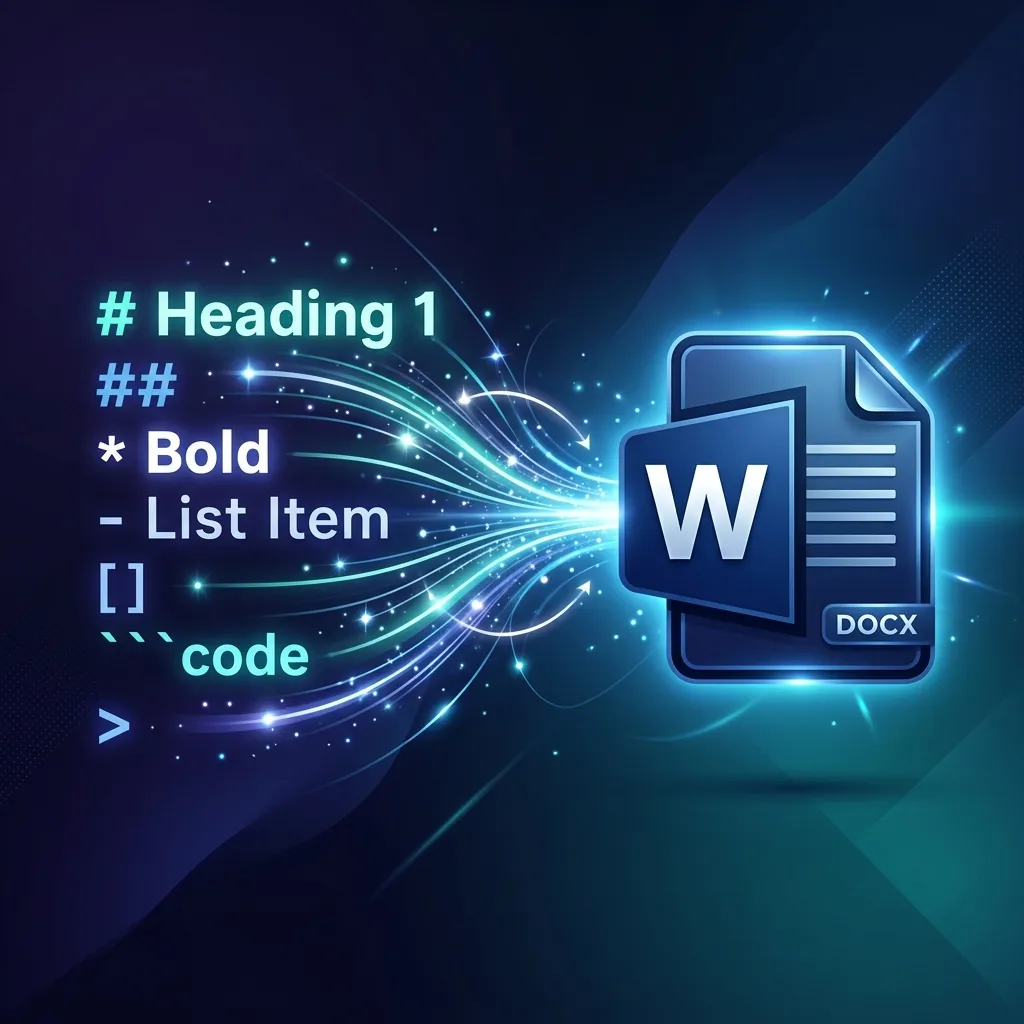
If you love using ChatGPT or writing in Markdown, you know the frustration of moving your text into Microsoft Word. Copy-pasting often results in broken formatting, missing headings, and messy lists.
Thankfully, there's now an easier way. Introducing our new Free Markdown to Word Converter—a simple, browser-based tool that turns your Markdown text into a clean, professional DOCX file instantly.
Why Convert Markdown to Word?
Markdown is fantastic for web writing and coding documentation, but the business world still runs on Microsoft Word (`.docx`). Whether you are:
- A student submitting an essay written in Obsidian or Ulysses.
- A developer exporting documentation for non-tech stakeholders.
- A content creator saving ChatGPT blog drafts.
You need a reliable way to bridge the gap without manually re-bolding every heading.
How to Use the Free Converter
We built this tool to be the fastest way to get the job done. Here is how:
- Copy your text: Grab your Markdown content from your editor or copy the raw response from ChatGPT.
- Paste it: Go to the Markdown to Word Tool and paste your text into the left panel.
- Preview: The right panel will instantly show you a preview of how the document will look.
- Download: Click the "Download Word (.docx)" button. Your file will save automatically with the correct formatting.
Supported Features
Our converter handles all standard Markdown syntax:
- Headings (H1, H2, H3...)
- Bold and Italic text
- Bulleted and Numbered Lists
- Code Blocks (great for technical guides)
- Blockquotes
- Tables
Privacy First
Unlike many other online converters, our tool runs 100% in your browser. This means your text is never uploaded to our servers. It's completely private and secure, making it safe for sensitive drafts.
Ready to convert? Try the tool now or explore more utilities on our Homepage.