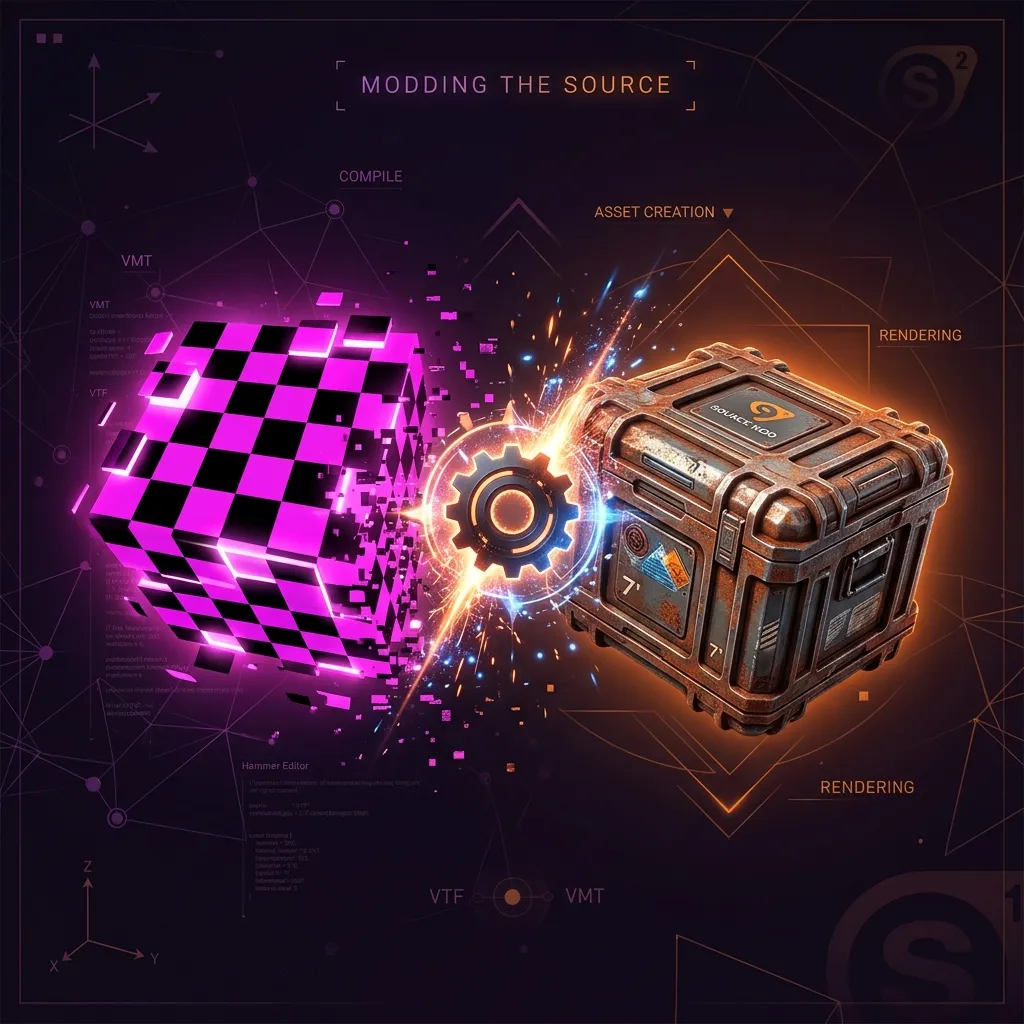
On August 2026, Google pushed an emergency Stable channel security update for Chromium browsers, fixing two high-severity buffer overflow vulnerabilities in WebGL (CVE-2026-76034) and Chromium's Dawn WebGPU implementation (CVE-2026-76036). These critical vulnerabilities specifically targeted memory management during complex 2D and 3D texture buffer processing. For game developers, 3D artists, and modders creating custom assets for Valve's Source Engine—including Counter-Strike 2 (CS2), Team Fortress 2 (TF2), Half-Life 2, and Garry's Mod—this browser security update serves as an urgent wake-up call regarding asset processing pipelines.
For over two decades, game modders have relied on aging desktop applications or questionable third-party cloud upload converters to convert PNG, JPG, and TGA graphic textures into Valve's proprietary Valve Texture Format (.vtf). However, downloading unverified desktop executables or uploading custom textures to remote cloud converters poses severe security risks, including malware execution, memory exploitation, and unauthorized intellectual property scraping.
To solve this without installing risky desktop programs or uploading proprietary artwork to unverified servers, our free web utility VTF Converter processes every image 100% client-side in your browser's local sandbox memory—meaning your files never leave your device.
Why WebGL Security and Modern Texture Pipeline Standards Matter in August 2026
Graphics processing on the modern web has reached native-grade complexity. WebGL and WebGPU enable rich interactive 3D viewports directly within modern browsers. However, parsing raw binary image buffers, mipmap chains, and specialized compression formats like DXT1, DXT5, and RGBA uncompressed textures demands meticulous memory management. The August 2026 Chrome security disclosure highlights how buffer allocation errors in graphics pipelines can lead to browser crashes, memory corruption, or remote code execution when handling untrusted graphic buffers.
In the game modding community, Valve's Source Engine relies on Valve Texture Format (VTF) files containing structured headers, image frame definitions, flag bitmasks (such as point sampling, clamping, and trilinear filtering), and mipmaps. Converting standard web formats like PNG or WebP into binary VTF structures requires precise byte manipulation.
When modders use unmaintained legacy desktop utilities built during the early Windows XP era, they run software lacking modern memory-safety protections. Conversely, using cloud-based converter web services transmits uncompressed art assets across public networks to remote backend servers. Our client-side VTF Converter bridges this gap by leveraging modern WebAssembly and isolated HTML5 Canvas APIs, ensuring sub-millisecond conversion speeds directly within browser memory boundaries.
Why Trust This Guide & The Risks of Legacy Converter Tools
As web technology researchers and utility developers at ni18, we adhere strictly to zero-trust client-side architecture. In August 2026, relying on outdated software or server-side file processing carries three major operational risks:
- Memory Safety Violations: Unmaintained native C/C++ texture desktop converters lack address sanitizer protection and modern buffer boundary checks, exposing your system to memory corruption vulnerabilities similar to CVE-2026-76034.
- Server Data Exfiltration & IP Scraping: Cloud-based file converters upload your high-resolution textures, custom spray logos, and proprietary game assets to distant third-party databases. Unscrupulous platforms can archive, monetise, or train generative AI models on your artwork without attribution or consent.
- Bandwidth Latency and Rate Limits: Uploading 4K texture packs (2048x2048 or 4096x4096 resolution) to a cloud server incurs heavy network upload delays, restrictive file size quotas, and intrusive advertising popups.
Key Advantages of Our 100% Client-Side VTF Converter
By shifting the entire texture synthesis and binary packing engine into client-side WebAssembly and HTML5 JavaScript, our tool guarantees peak performance and total data isolation:
- 🔒 100% Client-Side Privacy: All binary VTF encoding happens locally in your browser sandbox memory. Zero server uploads. Zero data exfiltration. Zero tracking logs. Your original graphic files never touch external network interfaces.
- ⚡ Instant Sub-Second Conversion: Eliminates network roundtrips. Drag-and-drop your PNG, JPG, WEBP, or BMP images and generate valid Valve Texture Format files instantly.
- 🚀 Air-Gapped Offline Ready: Once the page is loaded in Chrome, Firefox, Safari, or Edge, you can turn off your internet connection completely. The converter runs seamlessly offline without requiring an active network connection.
- 🌐 Source Engine & CS2 Compatibility: Emits clean, compliant VTF files compatible with Source Engine v7.4 formats, supporting power-of-two dimensions (512x512, 1024x1024, 2048x2048, 4096x4096) for custom sprays, UI icons, materials, and environment textures.
Step-by-Step Workflow Guide: Converting Images to VTF
Follow this simple, step-by-step workflow to convert your graphic artwork into Valve Texture Format files for your Source Engine mods:
- Open the VTF Converter tool page in any modern web browser.
- Drag and drop your source image file (PNG, JPG, WEBP, or BMP) onto the dropzone, or click to choose a file from your local computer drive.
- Inspect the instant browser preview. Ensure your image resolution conforms to power-of-two standards (e.g., 512x512, 1024x1024, or 2048x2048 pixels) for optimal rendering in Source Engine.
- Click the Convert & Download VTF button. Your browser immediately generates the binary .vtf file locally and triggers an instant download to your downloads folder.
Pro Tips & Advanced Texture Modding Workflows
To achieve maximum visual fidelity and performance in Counter-Strike 2, Team Fortress 2, or custom Hammer Editor maps, keep these expert recommendations in mind:
- Power-of-Two Dimensions: Source Engine requires texture dimensions to be powers of two (128, 256, 512, 1024, 2048, 4096). If your original graphic has non-standard dimensions, use our companion Free Online Image Utility Tool to crop or resize your image client-side before converting.
- Alpha Channel Transparency: When creating custom spray logos or decals with transparent backgrounds, save your original image as a 32-bit PNG file with crisp alpha transparency prior to VTF conversion.
- VMT Material File Creation: A .vtf file stores raw binary texture data. To use it in game, pair it with a plain text Valve Material (.vmt) file specifying shader parameters like
$basetexture,$translucent 1, or$decal 1.
Conclusion & Get Started
The August 2026 Chrome WebGL security updates underscore the critical necessity for memory-safe, isolated software tools. Abandon risky desktop executables and privacy-violating cloud upload sites. Protect your custom artwork, speed up your Source Engine asset creation, and enjoy 100% private texture conversion right inside your browser.
Frequently Asked Questions
Are my custom texture images uploaded to any cloud server?
No, absolutely not. Our VTF Converter operates strictly 100% client-side in your web browser memory. Your images are never uploaded, logged, or stored on remote servers.
What is the relevance of the August 2026 WebGL Chrome update?
Google's August 2026 security patch resolved critical buffer overflow vulnerabilities (CVE-2026-76034 and CVE-2026-76036) in WebGL and WebGPU graphics components, emphasizing the critical importance of secure memory sandboxing when handling image texture buffers.
Which Source Engine games support VTF textures?
VTF textures converted by our tool are compatible with Counter-Strike 2 (CS2), Team Fortress 2 (TF2), Garry's Mod (GMod), Half-Life 2, Left 4 Dead 2 (L4D2), and Portal 2.
Can I use this VTF converter offline without an active internet connection?
Yes. Once you load the tool page in your web browser, all conversion logic is cached in local browser memory. You can disconnect from the internet and convert files offline seamlessly.
Why must Source Engine textures be in power-of-two dimensions?
GPU hardware memory architecture requires power-of-two texture dimensions (e.g. 256x256, 512x512, 1024x1024, 2048x2048) to efficiently compute mipmaps and prevent visual artifacts during in-game rendering.